
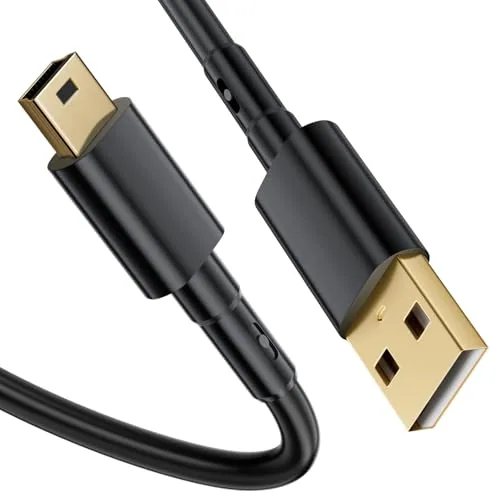
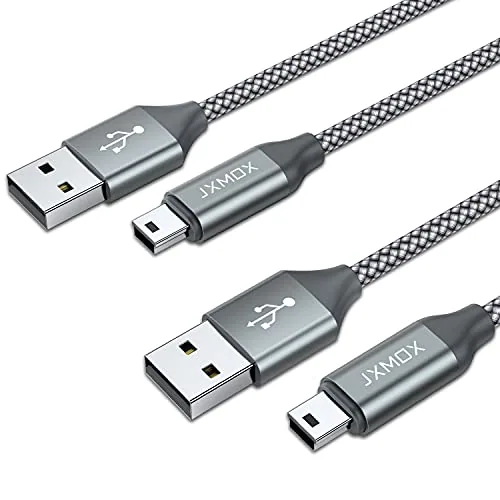
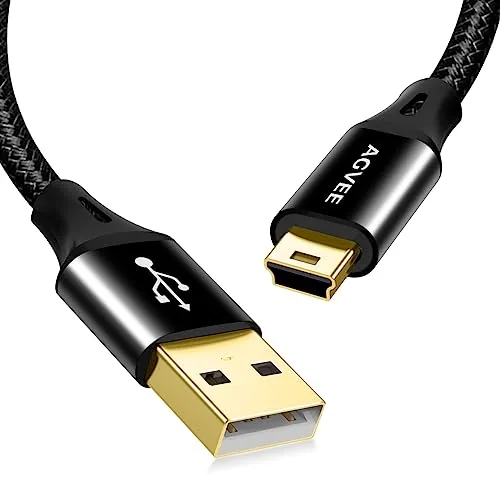
- Mini-B: the chunkiest of the three, a 5-pin trapezoid. PS3 controllers, older GoPro and Canon cameras, Garmin GPS.
- Micro-B: thin and flat with a tapered edge, 5 pins, one way up. PS4 and Xbox One controllers, older Kindles and Fire tablets, Fire TV Sticks.
- USB-C: a rounded oval, 24 contacts, fits either way up. PS5 and Xbox Series controllers, new Kindles, Fire tablets, phones, laptops.
- Some cameras use model-specific plugs that look like USB but are not; match the cable code in your manual.
- Cables shown here come from JXMOX, AGVEE, Amazon Basics, UGREEN, SCOVEE, FUCEWTO and others.
Mini USB vs Micro USB vs USB-C is the question behind most wrong cable orders: the three plugs are all small, all called USB, and none of them fits the others' ports. Telling them apart takes about ten seconds once you know what to look for.
This guide explains each plug's shape, which devices still use it, how to check your port, and where adapters and two-in-one cables help. When you know your plug, the Mini USB and Micro USB cables page and the lists linked below have matching cables.
Mini USB vs micro USB vs USB-C: what is the difference?
All three are device-end plugs. The other end of the cable is usually the larger, rectangular USB-A, or another USB-C. The differences are size, shape, pin count and whether the plug is reversible.
| Trait | Mini-B | Micro-B | USB-C |
|---|---|---|---|
| Approx. plug face | About 7 x 3 mm | About 7 x 2 mm | About 8.4 x 2.6 mm |
| Shape | Trapezoid, thick | Flat, tapered on one side | Rounded oval, symmetrical |
| Contacts | 5 | 5 | 24 |
| Reversible | ✗ One way | ✗ One way | ✓ Either way up |
| Era | Mid-2000s | About 2007 to late 2010s | Late 2010s to now |
| Examples in this catalog | PS3 controller, GoPro HERO3, Canon Rebel, Garmin Nuvi | PS4 controller, Fire TV Stick, older Fire tablets | PS5 and Xbox Series controllers, new Fire tablets, phones |
Here is how the cables in this site's catalog split by the plug on the device end:
Catalog cables by device-end plug
87 cable listings; docks, chargers and a wired controller excluded
How do you identify your port in 30 seconds?
- Use a flashlight and look straight into the port.
- Symmetrical rounded oval with a thin tongue in the middle: USB-C.
- Very thin slot, narrower on one side than the other: Micro-B.
- Thicker slot, clearly wider at the top than the bottom, with a deeper opening: Mini-B.
- Anything else, such as an odd-shaped flat port on a compact camera or a round hole: a model-specific or DC connector. Check the manual for the cable code.
- Still unsure? Search your device model plus "charging port" or check the original cable's plug.
Where do you still need Mini USB?
Mini-B is the oldest of the three and the sturdiest-feeling, with a deeper plug. You will still find it on PlayStation 3 controllers, GoPro HERO through HERO4, Canon cameras that use the IFC-400PCU cable, Garmin Nuvi units, dash cams, TI graphing calculators and some USB microphones.
The cables below show three takes: SCOVEE's 3 ft cable with an aluminum shell and gold-plated plugs, JXMOX's braided 2-pack of 3.3 ft cables with a stated 2A, and AGVEE's 2-pack of 10 ft cables that lists the Canon and Nikon cable codes it replaces. For a ranked list, see best Mini USB cable.
Mini USB Cable 3ft Type A Male to Mini B Cable Data Charging Cord for GoPro He
Check price →JXMOX Mini USB Cable
Check price →AGVEE 2 Pack 10ft Mini USB Cable
Check price →Where do you still need Micro USB?
Micro-B replaced Mini-B on phones because it is thinner. Small spring latches on the plug grip the port, and those latches are what wear out after years of use. It is still common on PS4 and Xbox One controllers, Fire TV Sticks, Roku sticks, older Kindles and Fire tablets, Bluetooth speakers and security cameras.
Amazon Basics' 3-pack of 3 ft cables lists 2100 mA charging, 480 Mbps and gold-plated plugs, aimed at Android phones, tablets and PC peripherals. SCOVEE's braided 3-pack of 6 ft cables lists 2.4A and names Fire tablets, Kindles, Samsung phones and the PS4 controller. UGREEN's 2 m cable has nickel-plated plugs. For game controllers specifically, see best PS4 controller charger cable.
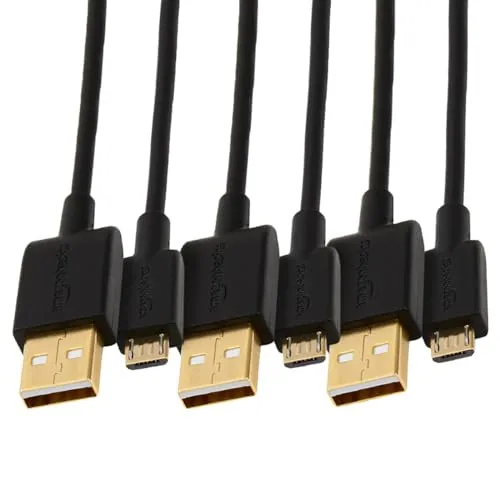
Amazon Basics 3-Pack USB-A to Micro USB Charging Cable
Check price →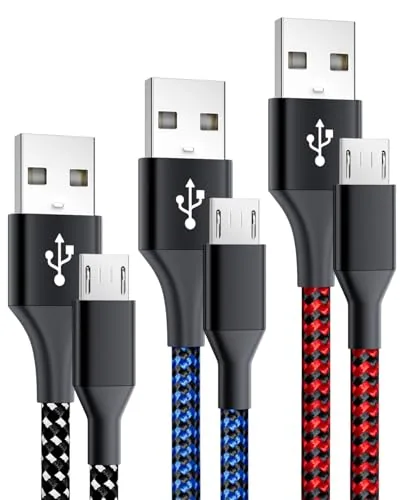
3-Pack 6FT Micro USB Cable Android Charger Cord,Long Braided Fast Micro-USB Ch
Check price →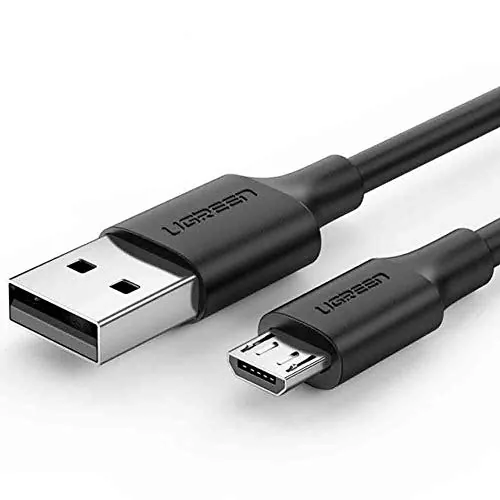
Ugreen USB 2.0 A to Micro USB Cable Nickel Plating
Check price →Why did USB-C take over?
USB-C fixes the two big complaints about older plugs: it fits either way up, and the same port can handle charging, data and, on capable devices and cables, video. It also supports USB Power Delivery, which lets a charger and device agree on higher voltages for faster charging.
Not every USB-C cable is the same, though. Most long or budget cables carry USB 2.0 data at 480 Mbps. Wattage ratings differ; Amazon Basics' 3 ft 5-pack, for example, is rated 60W and USB-IF certified. Apple devices before USB-C used Lightning, which needs its own cable, such as Amazon Basics' MFi-certified USB-C to Lightning cable. Longer USB-C cables are compared in best long USB C cable.
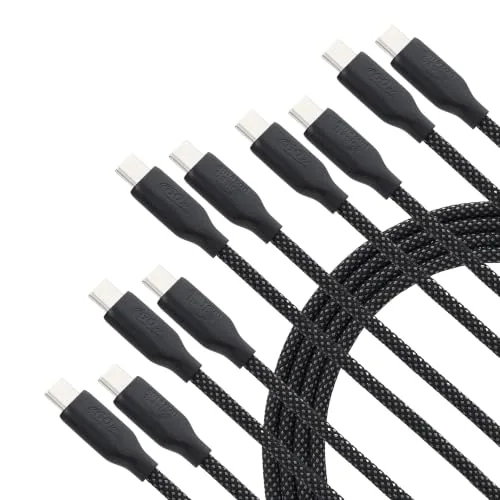
Amazon Basics 60W USB-C to USB-C Fast Charging Cable
Check price →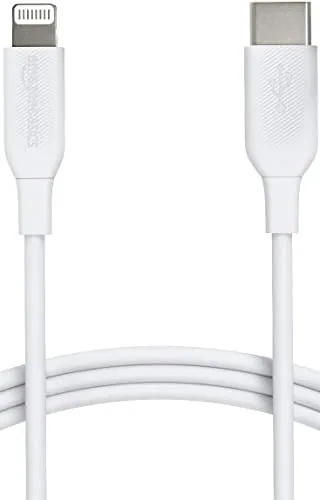
Amazon Basics USB-2.0 Type C to Lightning Cable
Check price →Can one cable cover old and new devices?
Two kinds of cable help in a mixed household. A two-in-one cable carries both plugs: SCOVEE's 6 ft Fire tablet cable has a USB-C plug for newer Fire and Kindle models and a Micro USB plug for older ones, with 2.4A listed. A converter cable changes the source end: a USB-C to Micro USB cable lets an old Micro USB device charge from a USB-C laptop or wall adapter.
Small plug adapters also exist, but every extra joint adds a point that can wiggle loose. A single cable with the right plugs is usually the tidier fix. Fire tablet owners will find both kinds on the Kindle and Fire tablet charger cables page.
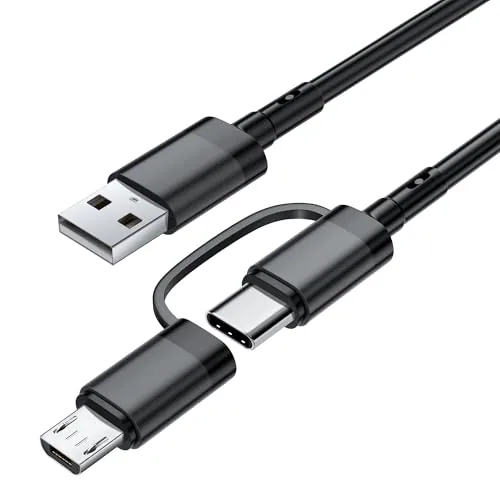
Cable for Amazon Fire Tablet All Generations,Charger Cord for Kindle Paperwhit
Check price →What if your plug is not USB at all?
Some devices only look like they take USB. Many Sony Cyber-shot cameras use a model-specific multi-connector; replacement cables are sold by the Sony cable code, such as FUCEWTO's VMC-MD3-type cable, which notes that some cameras do not charge over USB. Remote-control and shutter cables can use other small connectors, like the 50 cm mini 10-pin to Sony Multi cable sold for JJC remote handles. Security cameras and LED strips often use round DC barrel plugs, such as SCOVEE's 3 ft 5.5 x 2.1 mm DC extension cable.
None of these is interchangeable with Mini, Micro or USB-C. Match the cable code or barrel size exactly. Camera owners can start with best camera USB cable; DC and extension cords are on the power extension and DC charger cables page.
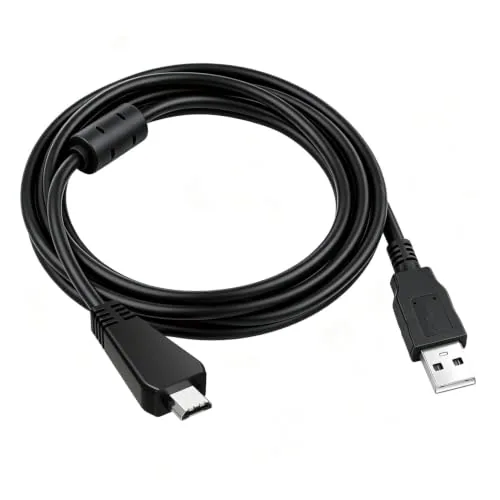
VMC-MD3 USB Data Charger Cable for Sony Cyber-Shot DSC Digital Camera
Check price →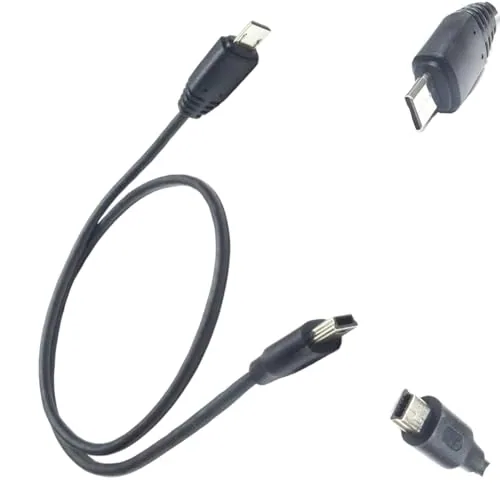
Suitable for jjc cable brand handle remote control to control the connection c
Check price →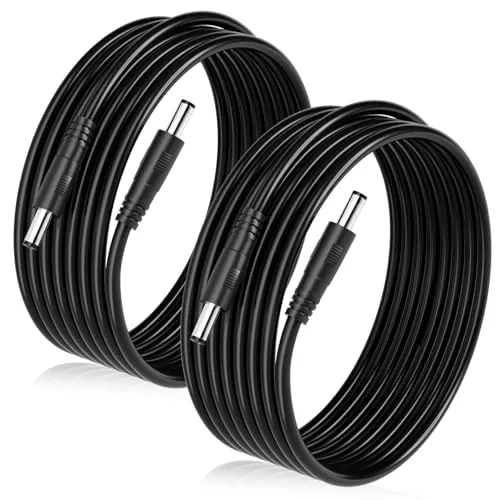
Male to Male DC Cable 12V Power Extension Cord 5.5mm x 2.1mm Connector,5V 9V 2
Check price →Checklist and mistakes to avoid
- Identify the plug before you shop, using the steps above.
- Check the exact model and generation; brands switch ports between versions.
- Confirm the other end matches your charger: USB-A or USB-C.
- Never force a plug. Micro-B in particular only goes in one way, and forcing it bends the port's center tongue.
- Do not assume a camera port is Micro USB because it looks thin.
- Pull by the plug, not the cord. Our guide on why charging cables fail at the connector explains why.
FAQ
Mini USB vs micro USB: which is bigger?
Mini USB. Its plug is noticeably thicker; Micro USB is thin and flat.
Will a Micro USB cable fit a Mini USB port?
It may slide in loosely but will not connect properly. Use the matching plug.
Is USB-C the same as Micro USB?
No. USB-C is a larger, symmetrical oval and fits either way up. Micro USB is smaller and goes in one way.
Which plug does a PS3, PS4 or PS5 controller use?
PS3: Mini USB. PS4: Micro USB. PS5: USB-C.
Do Kindles use Micro USB or USB-C?
Older Kindles and Fire tablets use Micro USB; newer generations use USB-C. Check your model's generation.
Can I charge a Micro USB device from a USB-C charger?
Yes, with a USB-C to Micro USB cable or a two-in-one cable that has both plugs.