
- Most cables die within an inch of the plug, where flexible cable meets a rigid housing and every bend concentrates in one spot.
- Thin copper strands inside break from repeated flexing long before the outer jacket shows damage.
- Good strain relief, braided jackets, right-angle or flat designs and slim plug housings spread or avoid that stress.
- Habits matter as much as design: pull by the plug, coil loosely, and never let a device hang from its cable.
- Bend-test numbers are each maker's own claim, measured in different ways; use them as a rough guide only.
Why charging cables fail is mostly a story about one inch of wire. The cable may be 10 ft long, but the break almost always happens right where it enters the plug, because that is where all the bending, pulling and twisting ends up.
This guide explains what happens inside a cable at that point, how to tell a broken cable from a dirty or worn port, which design features help, and which habits make any cable last longer. Brand examples come from Belkin, Amazon Basics, UGREEN and SCOVEE, and the bend-test chart pulls figures from eight more listings.
Why charging cables fail at the connector
Inside a charging cable are several thin conductors, each made of fine copper strands, wrapped in insulation and an outer jacket. The cable is flexible; the plug housing is rigid. When you bend the cable, the bend is spread along its length, except at the plug, where the rigid housing stops it. All the flexing concentrates at that boundary.
Every bend slightly stretches and compresses the copper strands. Repeated thousands of times, strands crack one by one from metal fatigue. The jacket can look perfect while half the strands inside are broken. As strands fail, resistance at that spot rises, charging slows, and eventually the cable only works when held at a certain angle.
Pulling makes it worse. Yanking a cable out by the cord loads the solder joints or crimps inside the plug, which can tear them loose even without visible damage.
| Symptom | Likely cause | What to do |
|---|---|---|
| Charges only at a certain angle | Broken strands at the plug | Replace the cable |
| Slow or on-and-off charging | Partly broken strands, or lint in the port | Try another cable; inspect the port |
| Plug falls out easily | Worn plug latches or port | Try a new cable; if loose with every cable, the port is worn |
| Jacket split at the boot | Repeated sharp bends | Replace; change how the cable is routed |
| Plug wobbles in its housing | Pull damage to internal joints | Replace the cable |
| Cable or plug gets hot | Damage or poor contact | Stop using it |
What does strain relief actually do?
Strain relief is the flexible boot or collar where the cable leaves the plug. A good one gets gradually stiffer toward the plug, so a bend is spread over an inch or more instead of a single point. Long, tapered boots work better than short, hard ones. Braided jackets add abrasion resistance and some bend control along the cable.
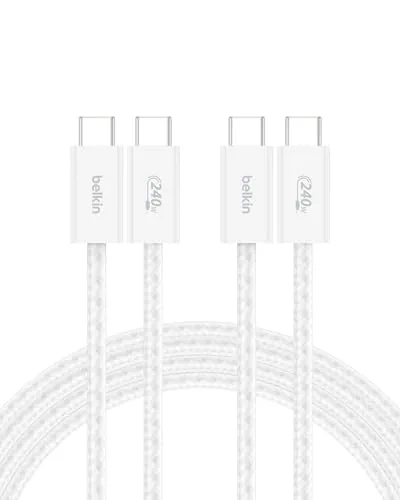
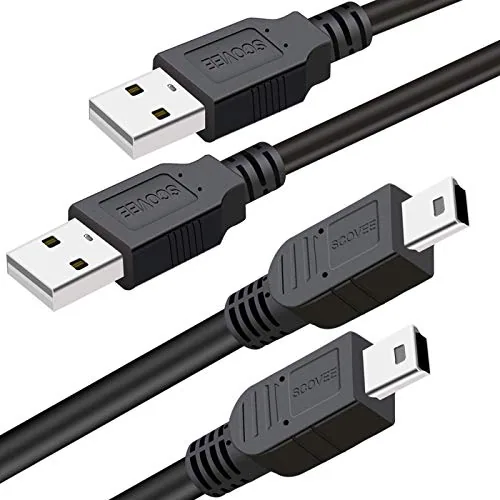
Belkin's 240W braided 2-pack lists a test of over 100,000 bends and 20,000 plug-ins, with an ABS head, the highest figures in this catalog. SCOVEE's 2-pack of 3 ft PS3 cables claims up to 10,000 bends, with stainless steel connector heads meant to seat firmly. For couch gaming, firm seating matters because the controller moves constantly; see best PS4 controller charger cable for cables that describe their strain relief.
Belkin USB C to USB C 240W Cable 2 Pack
Check price →SCOVEE PS3 Controller Charger Cord
Check price →How do bend-test claims compare?
Many listings quote a bend count. The figures below are as stated, but each maker chooses its own angle, weight and pass criteria, so they are not a fair head-to-head test. Treat a stated figure as a sign the maker thought about durability, not as a lifespan.
Stated bend-test figures
Bends claimed in each listing; methods differ by maker
We pulled these numbers from listings in the site catalog only; none of these cables was bent or measured by this site. A listing without a figure is not necessarily weaker; PowerA and HORI, for example, describe their cables without quoting bend counts.
Is it the cable or the port?
Before replacing a cable, rule out the port. Pocket lint and dust pack into charging ports and stop the plug from seating fully, which looks exactly like a failing cable.
- Try the cable with a second device, and try a second cable with your device.
- If every cable is loose or flaky in one device, look into its port with a flashlight.
- Switch the device off and remove debris gently with a wooden or plastic toothpick. Never use metal.
- If a Micro USB plug no longer clicks in any port, its small latches are worn; replace the cable.
- If the port itself is loose or damaged, the device needs repair, not a new cable.
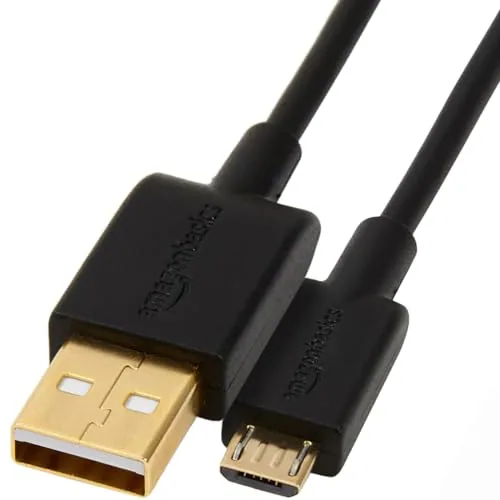
Phone and controller cases can also stop a plug from seating. Amazon Basics' Micro USB 5-pack lists a compact head that works with nearly all cases, and its 3 ft cables are thin and flexible, which puts less leverage on the port.
Amazon Basics 5-Pack USB-A to Micro USB Charging Cable
Check price →Which design features help?
- Right-angle plugs: the cable leaves the device parallel to it, so it is not bent hard at the port. SCOVEE's 90-degree Mini USB listing says this keeps the cable out of the way and stress away from the port. That listing names both 6 ft and 10 ft and both one and two cables, so confirm the option you pick.
- Flat cables: they bend in one plane and resist tangling. SCOVEE's flat 3.3 ft Micro USB cable for older JBL speakers is one; its listing also names models it does not fit, such as the Charge 4 and Flip 5.
- Braided jackets and metal housings: more abrasion resistance and a firmer grip when you unplug.
- Slim or stepped plug housings: reach through thick cases so the plug seats fully.
- Short, stiff cables where possible: a cable that does not hang has nothing pulling on it. SCOVEE's 8 inch Micro USB cable in white lists 22 AWG wire.
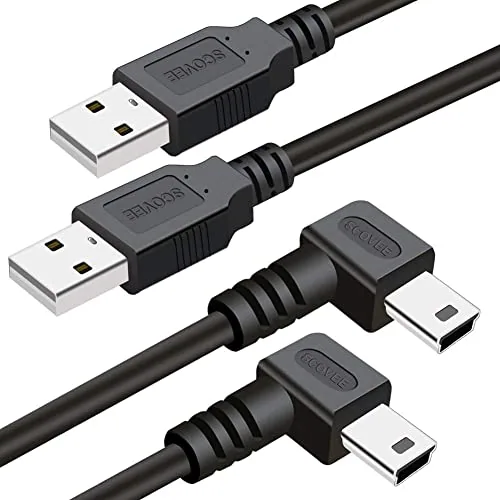
Mini USB Cable 90 Degree 2Pack 6ft for Garmin Nuvi for Canon PowerShot/Rebel/E
Check price →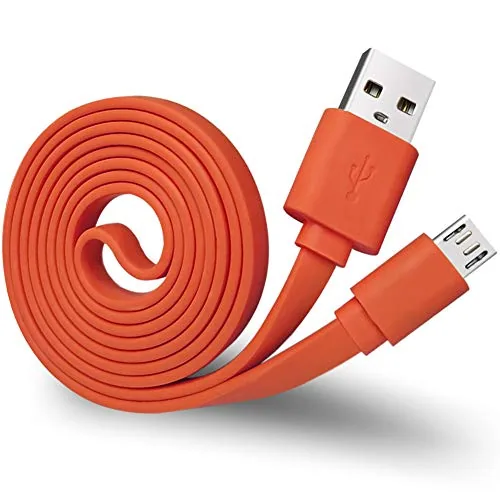
Charger Cord for JBL Speaker,Flat Micro USB Charging Power Supply Cable Cord L
Check price →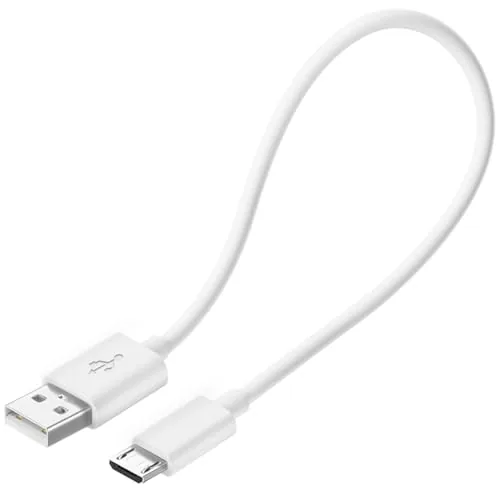
Short Micro USB Cable,Android Charger Compatible with Fire Stick,for Roku Stic
Check price →More Mini and Micro USB designs are on the Mini USB and Micro USB cables page.
Which habits make cables last longer?
- Unplug by gripping the plug housing, never the cord.
- Do not use a device with the cable bent sharply at the plug, such as a phone propped on its cable in bed.
- Coil cables in loose loops; do not fold them or wrap them tightly around a charger brick. A charger with a built-in retractable cable, like UGREEN's Nexode Pro, sidesteps the wrapping problem.
- Choose a length that leaves slack at both ends. Our guide to choosing cable length explains how to measure.
- Keep cables off walkways and out of chair wheels and door hinges.
- Never let a camera, controller or phone hang from its cable.
- Retire any cable with exposed wire, a cracked plug or a hot spot.

UGREEN Nexode Pro 65W Charger with Retractable USB-C Cable
Check price →Mistakes to avoid
- Taping a fraying boot and carrying on. Tape hides damage; it does not reconnect broken strands.
- Forcing a plug in the wrong way up. Micro and Mini USB go in one way only; our Mini USB vs Micro USB vs USB-C guide shows how to tell.
- Blaming the cable for a dirty port, and buying cable after cable.
- Buying only on the biggest bend number. Fit, length and how you use the cable matter more.
- Using a long cable as a leash for a controller. Couch players should look at listings that describe firm-seating plugs; see game controller charging cables and best Mini USB cable for PS3 cords.
For USB-C cables with stated bend figures, SCOVEE vs Anker compares two brands' listings.
FAQ
What explains why charging cables fail near the plug?
The rigid plug stops the cable from bending, so every flex concentrates at that point. Copper strands there break from fatigue.
Can a frayed charging cable be repaired?
Tape or heat-shrink can cover the jacket, but broken strands inside stay broken. Replacing the cable is the reliable fix.
Do braided cables last longer?
Braiding resists abrasion and cuts, and many braided listings quote high bend figures. The plug and strain relief still decide where wear happens.
How do I know if it is the cable or the port?
Swap one at a time. If several cables fail in one device, inspect and gently clean the port, or have it checked.
Are right-angle cables better?
They reduce bending at the port when the device sits flat or in a mount, which is why they are popular for dash cams and cameras.
Do bend-test numbers mean anything?
They show the maker tested durability, but methods differ between brands, so compare them loosely.